
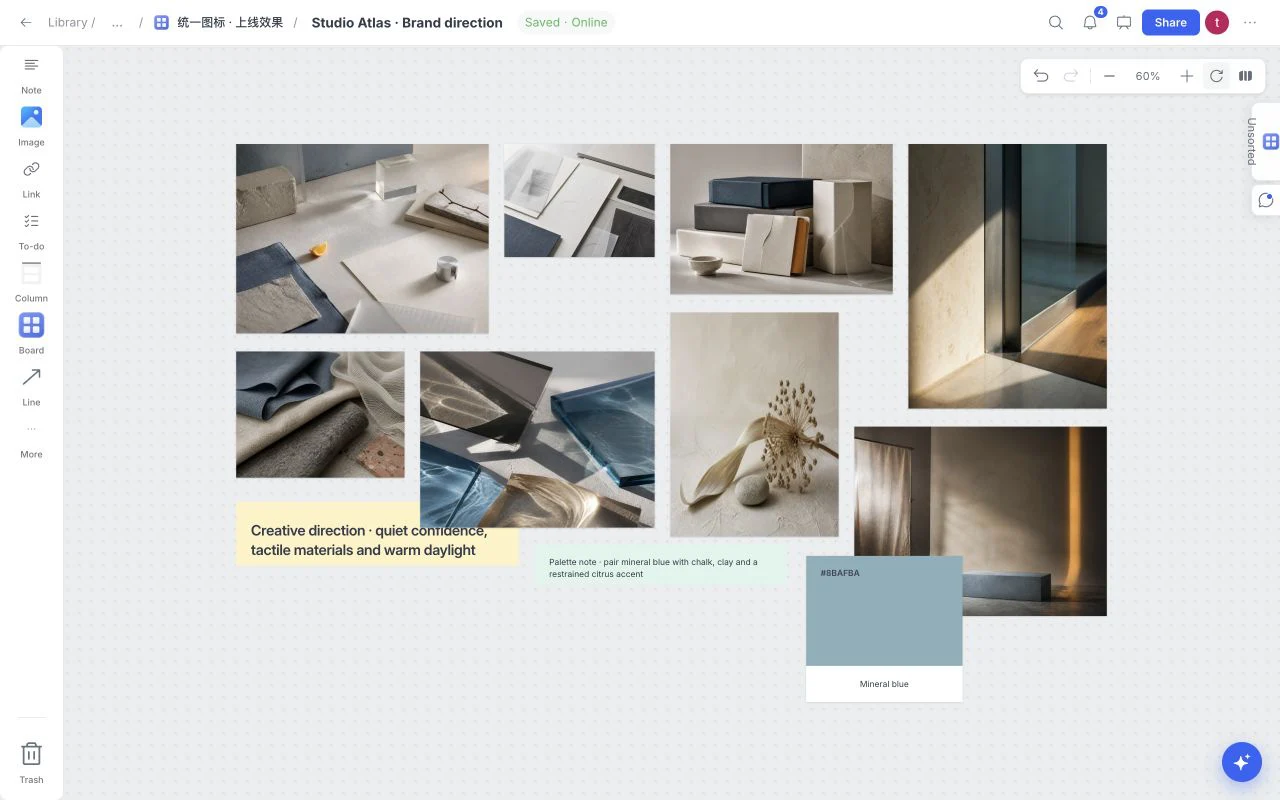
Collect the references and their reasons
Drop in images and files, paste source links, and add a short note explaining the quality you want to carry into the project.
Moodboard
The page couldn’t finish loading. Reload to try again.
Taking longer than expected? Check your connection.
Collect images, links, notes, files, colors, and feedback on one flexible visual board. Keep the reasons beside the references, then share, present or export a direction people can understand.
A moodboard is a visual collection that defines how a project should look and feel before expensive production decisions are made. It brings references, colors, typography, materials, composition, language, and rationale into one shared frame.
A useful moodboard does more than display attractive images. It explains the pattern between them: which qualities belong in the direction, which ideas do not, and what the team should carry into design, photography, film, interiors, fashion, or a launch.
Moodboard keeps that thinking on a live canvas. You can place visual references beside notes, links, files, tasks, sketches, and color choices, then revise the direction without rebuilding a static collage every time feedback arrives.
Start broad, look for a visual pattern, then edit the board until every reference supports the same creative idea.
Drop in images and files, paste source links, and add a short note explaining the quality you want to carry into the project.
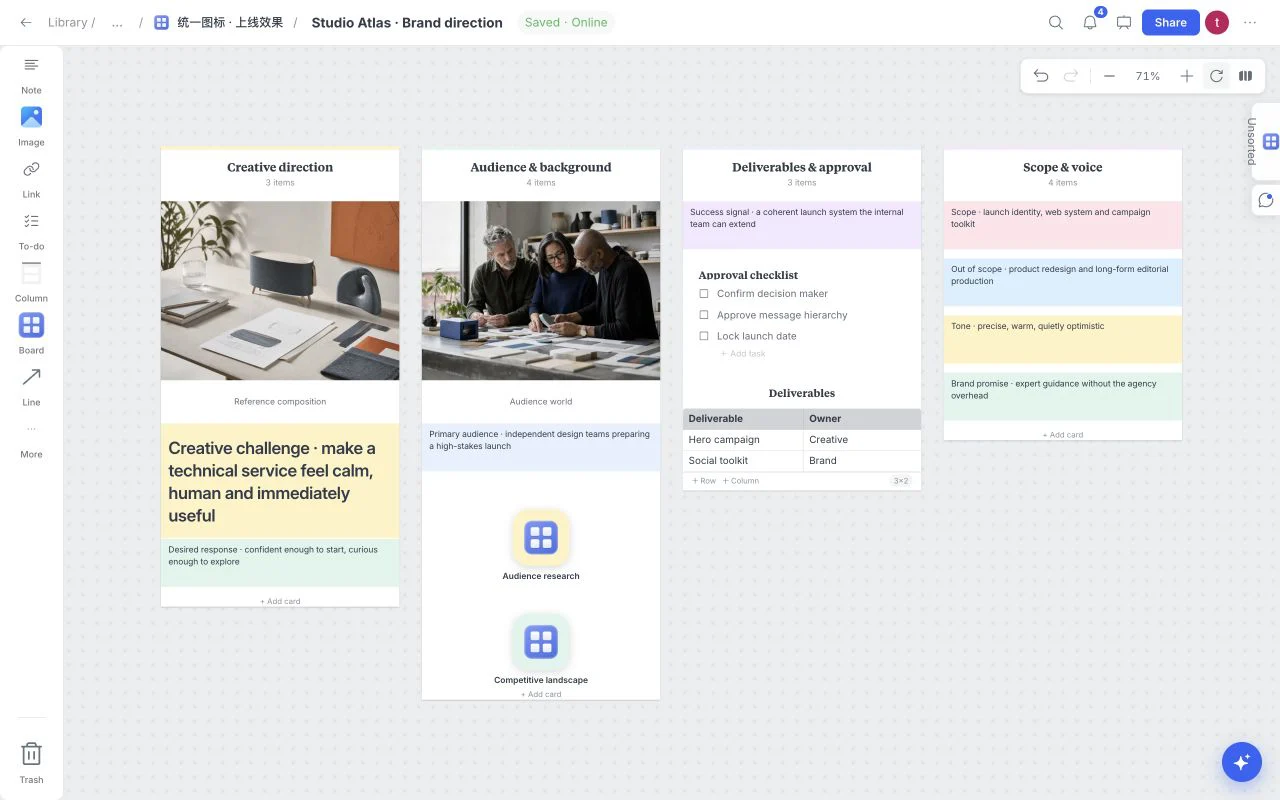
Use columns, documents, tasks and connected references to separate the brief, open questions and the next round of work.
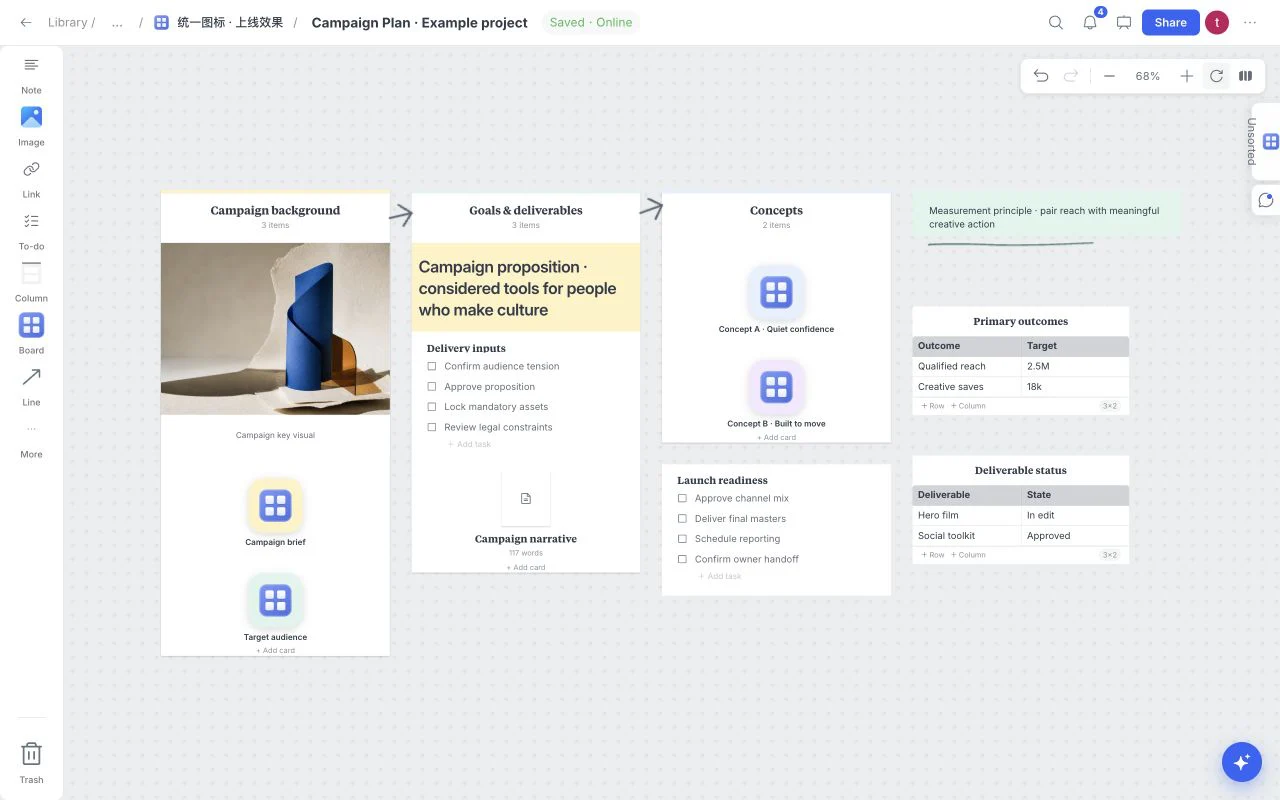
Build a plan you can revisit. Review with comments, present the board, or export the saved work when it is ready to leave the canvas.
Begin with a useful structure for a brand, campaign, storyboard, client review, product launch, or research project. Then change every section until the moodboard fits your work.
Graphic Design MoodboardVisual directionCreative BriefCreative strategy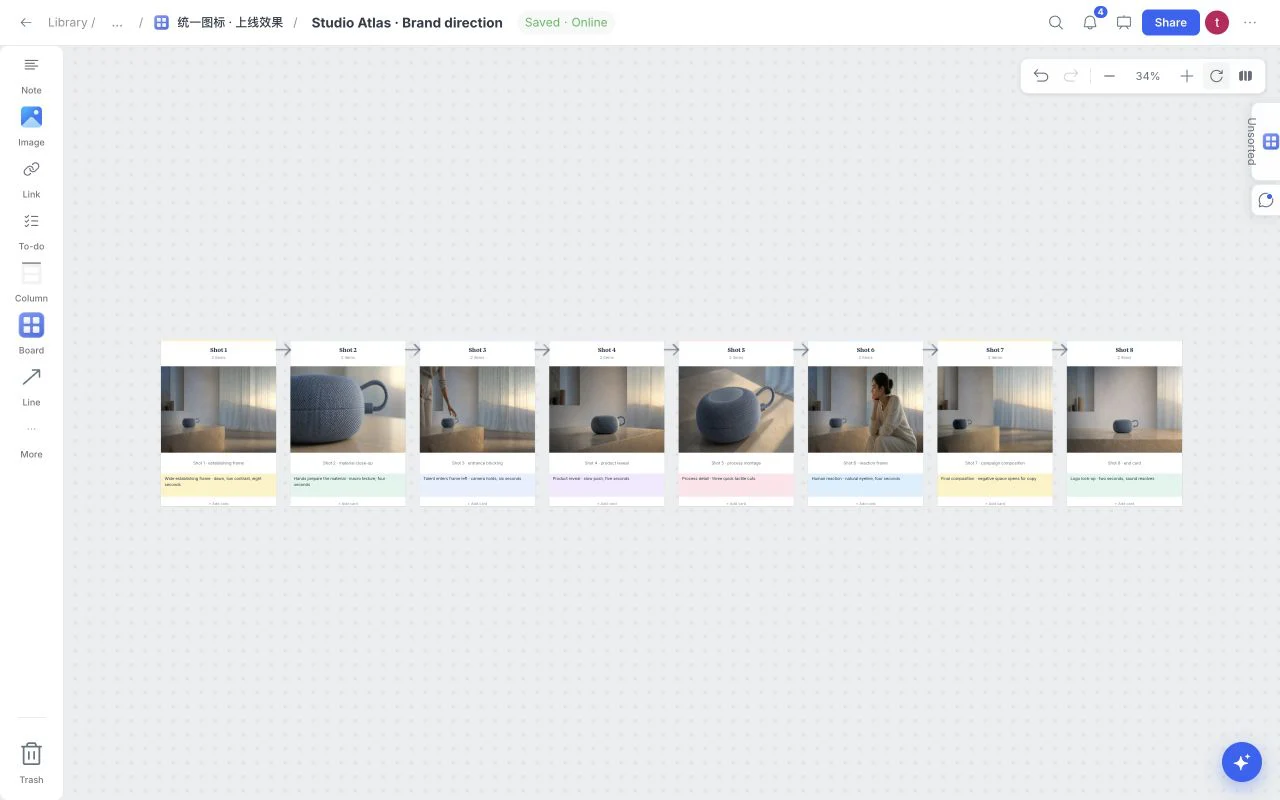 Film StoryboardFilm and video
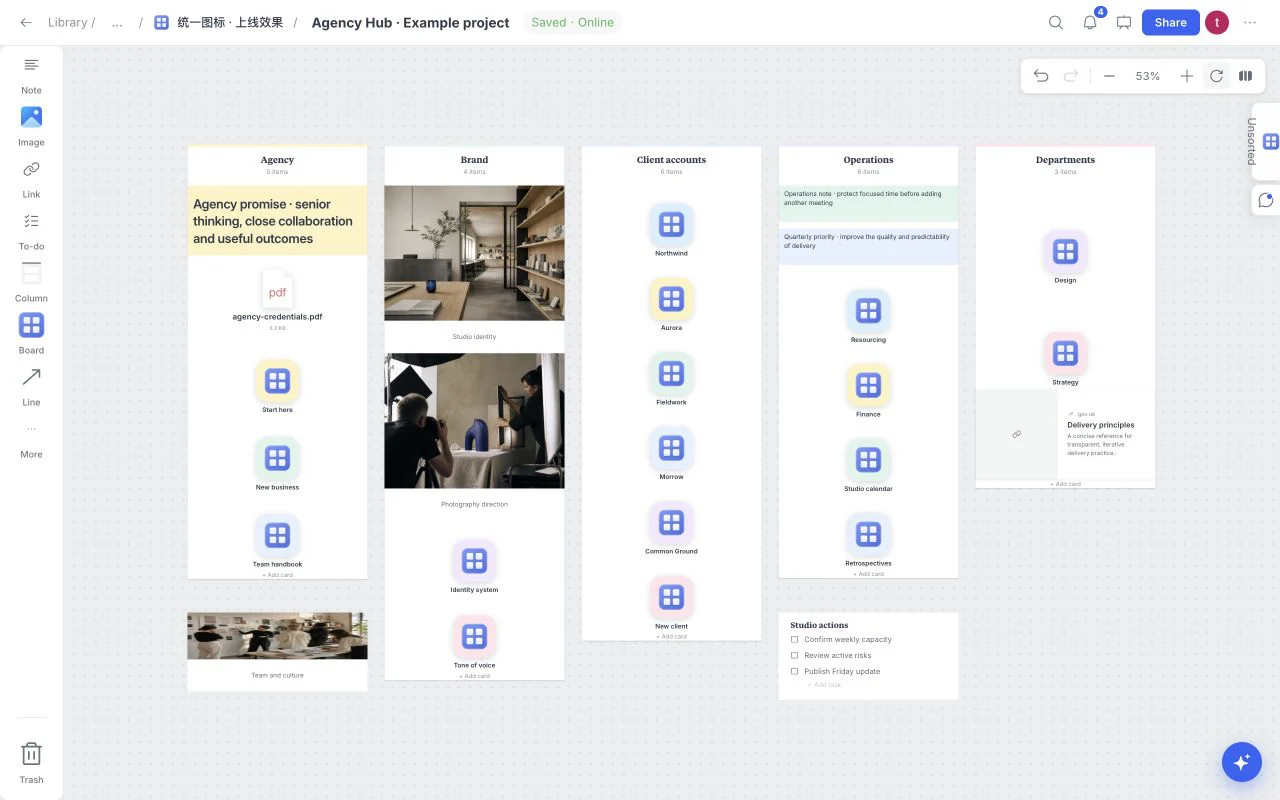 Agency HubStudio organizationCampaign PlanCampaign planning
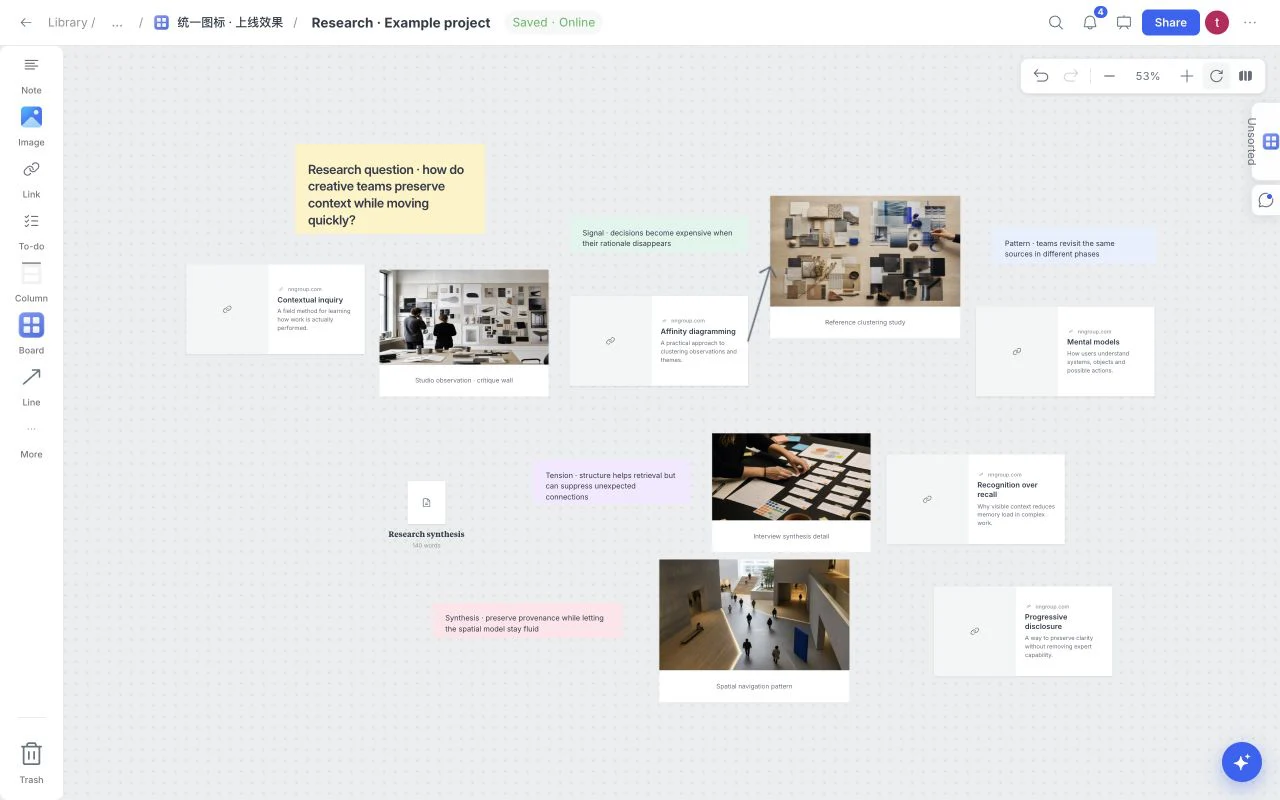 ResearchResearch synthesis
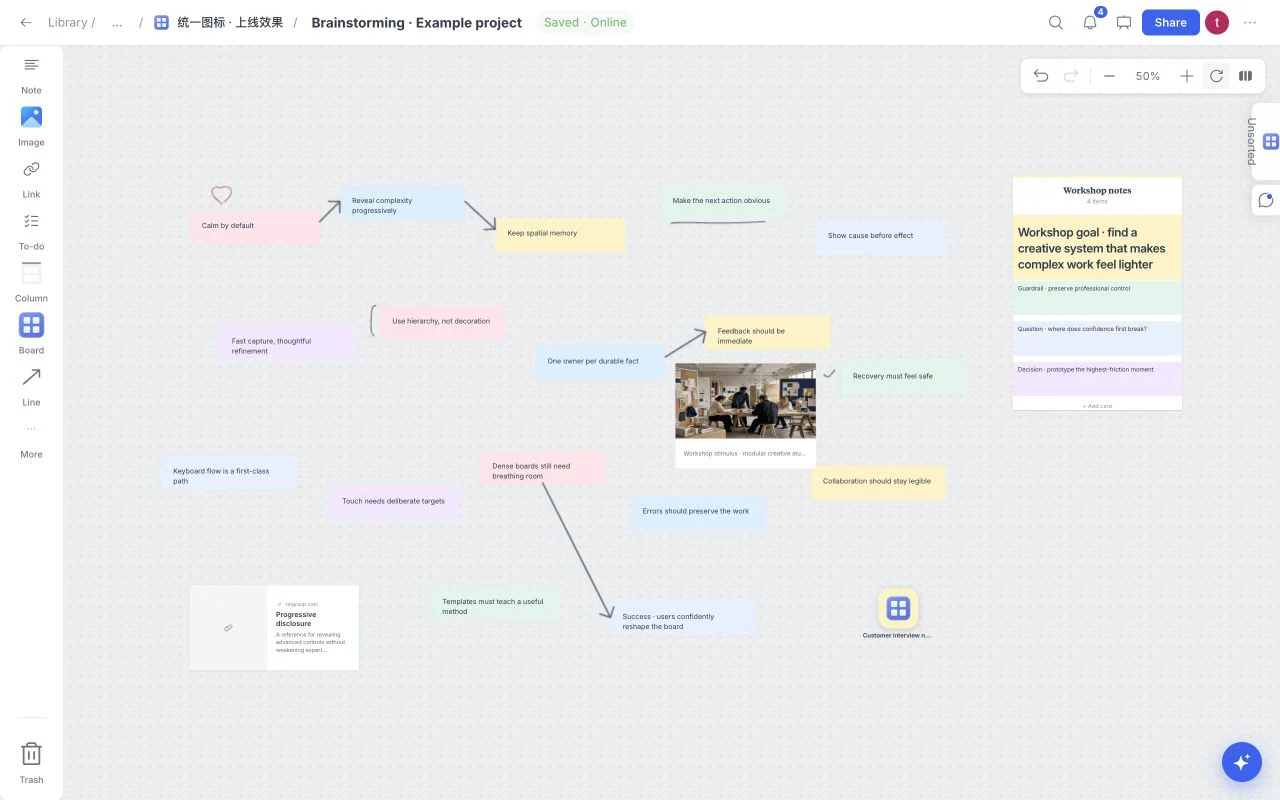 BrainstormingIdeas and workshops
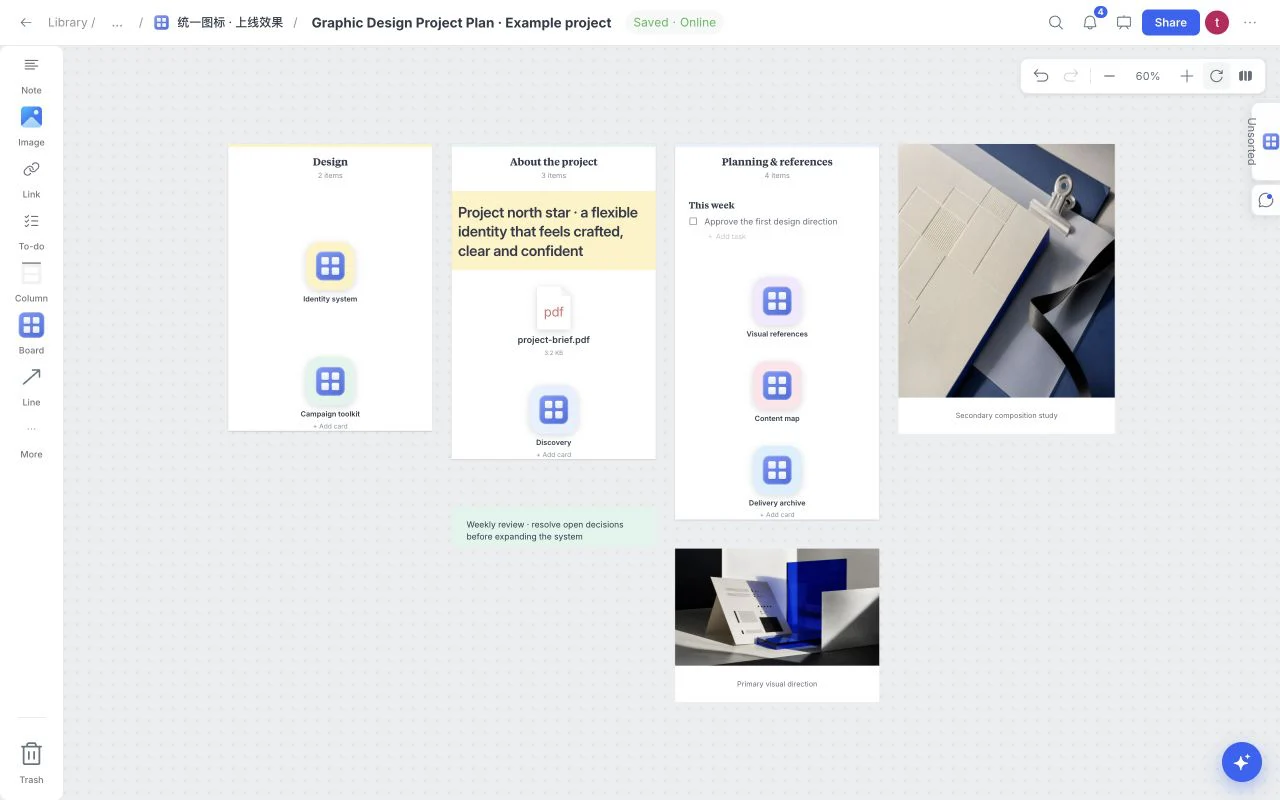 Graphic Design Project PlanProject planning
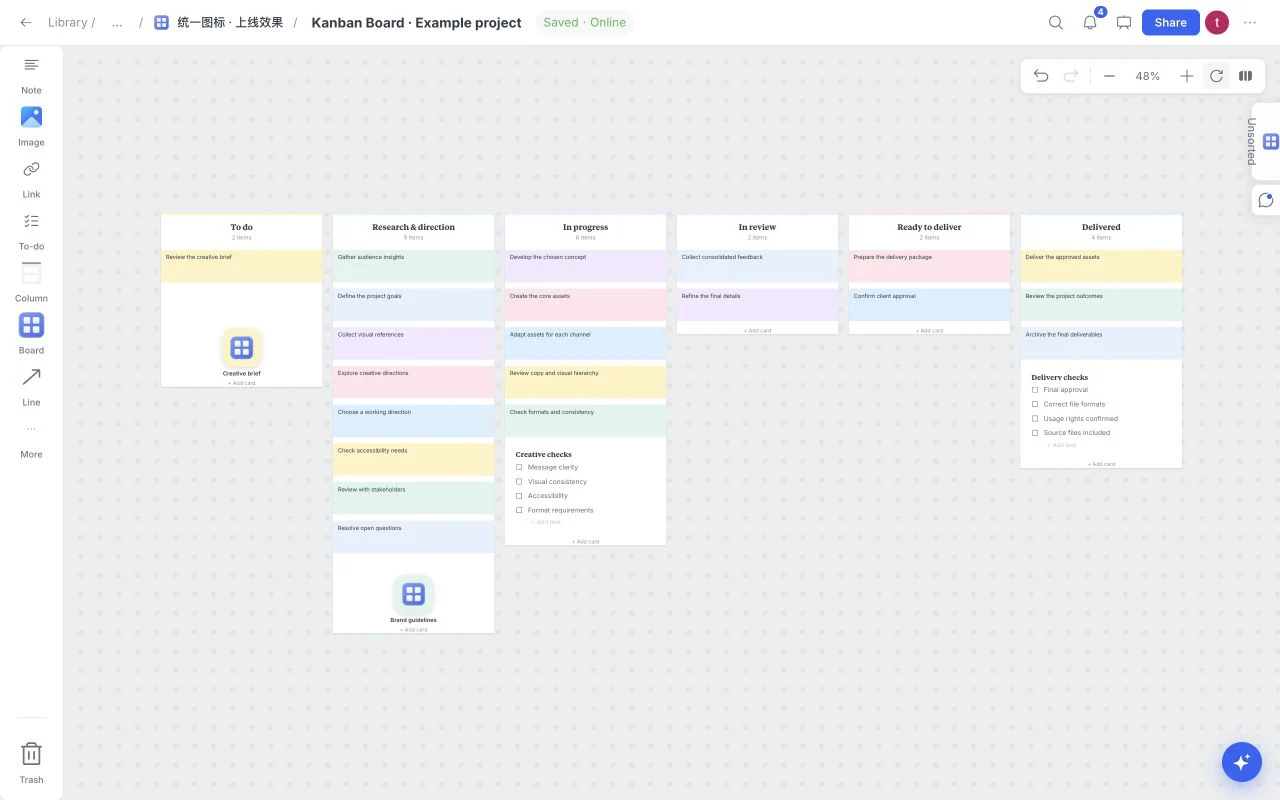 Kanban BoardTasks and delivery
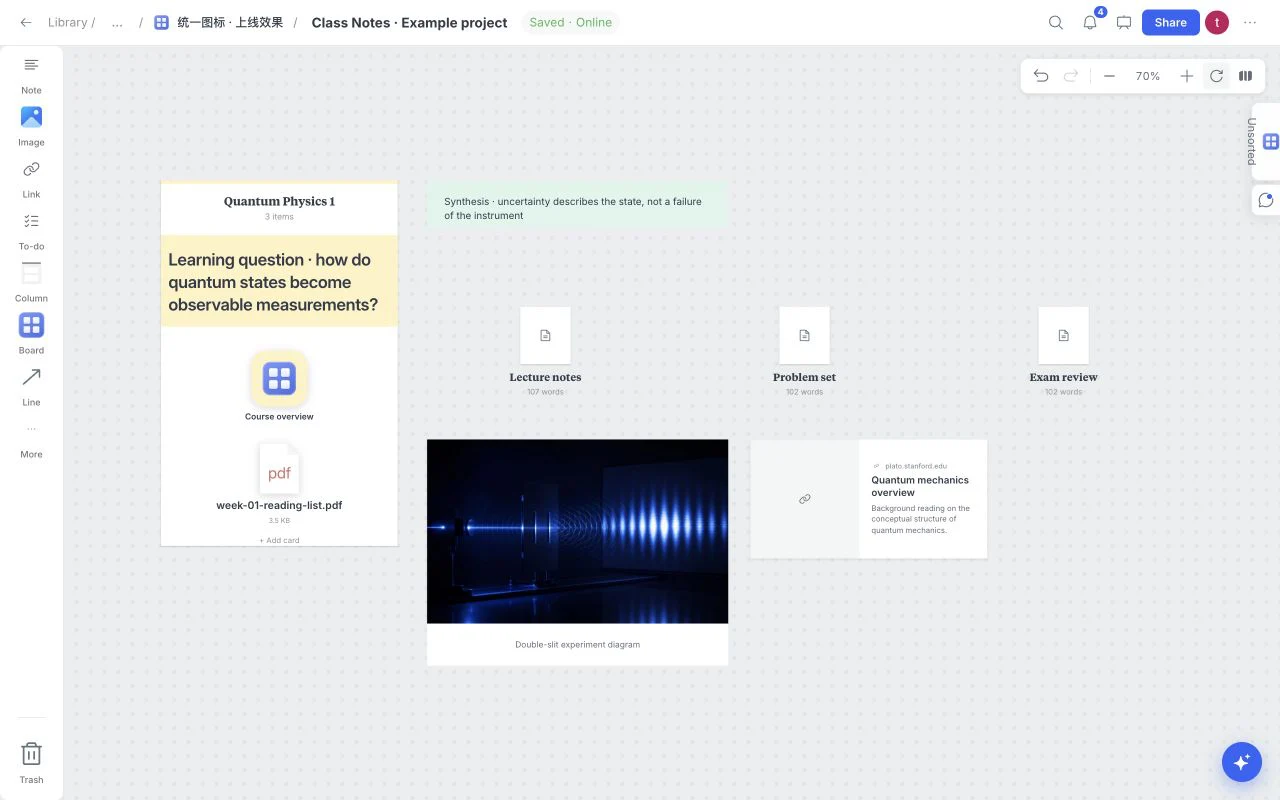 Class NotesLearning and notes
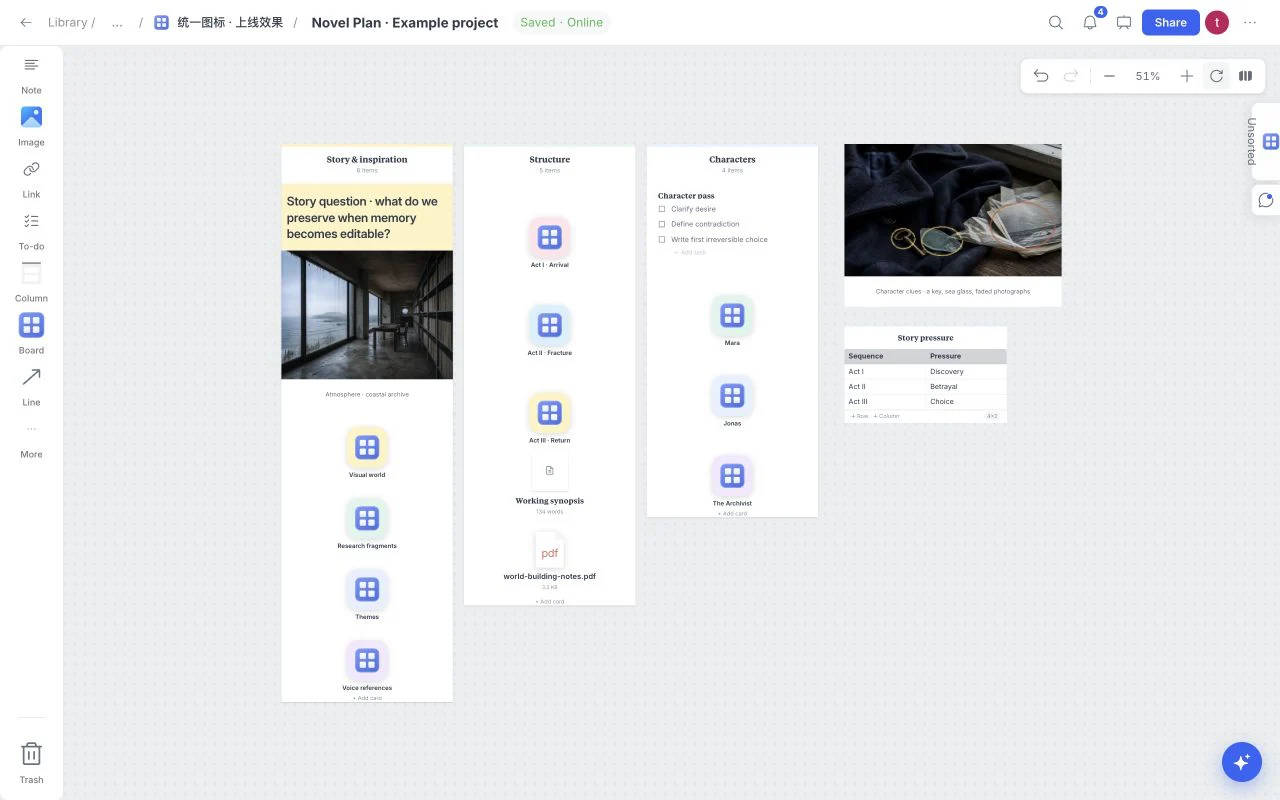 Novel PlanStory development
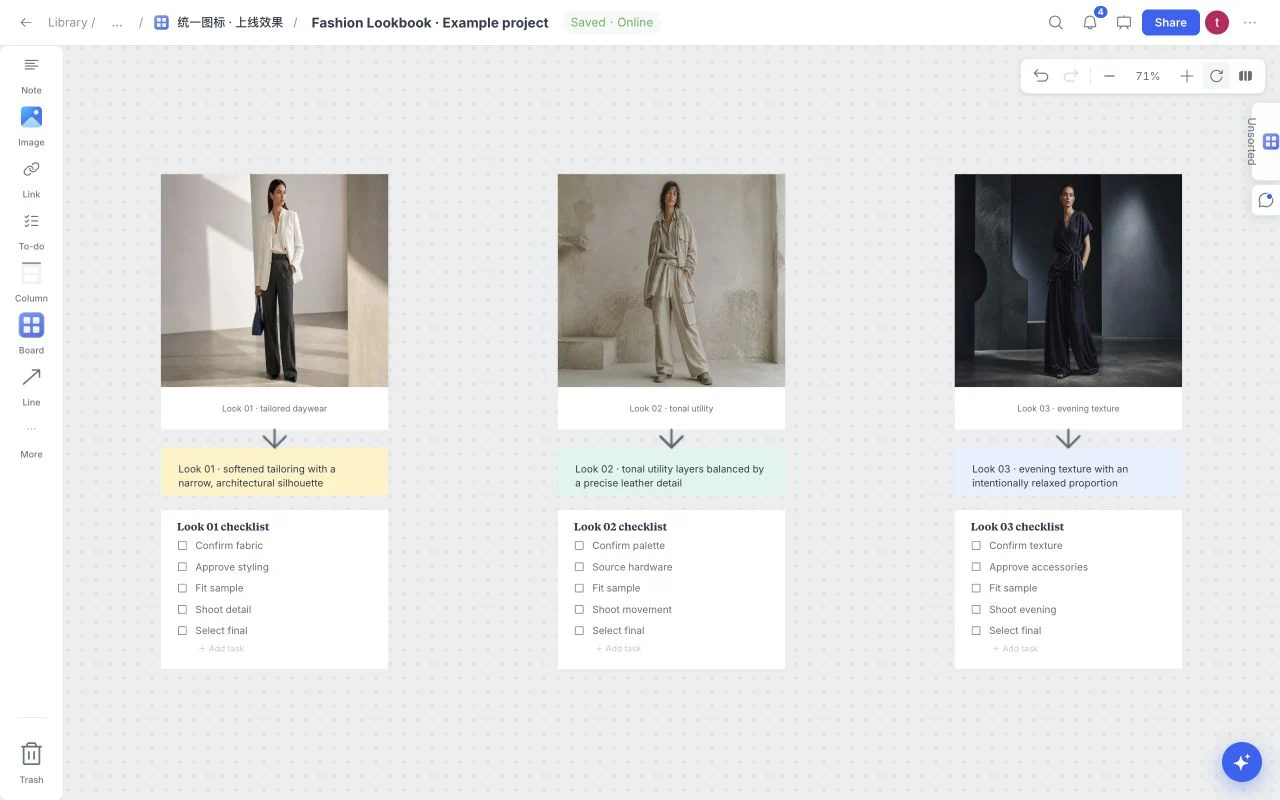 Fashion LookbookFashion and styling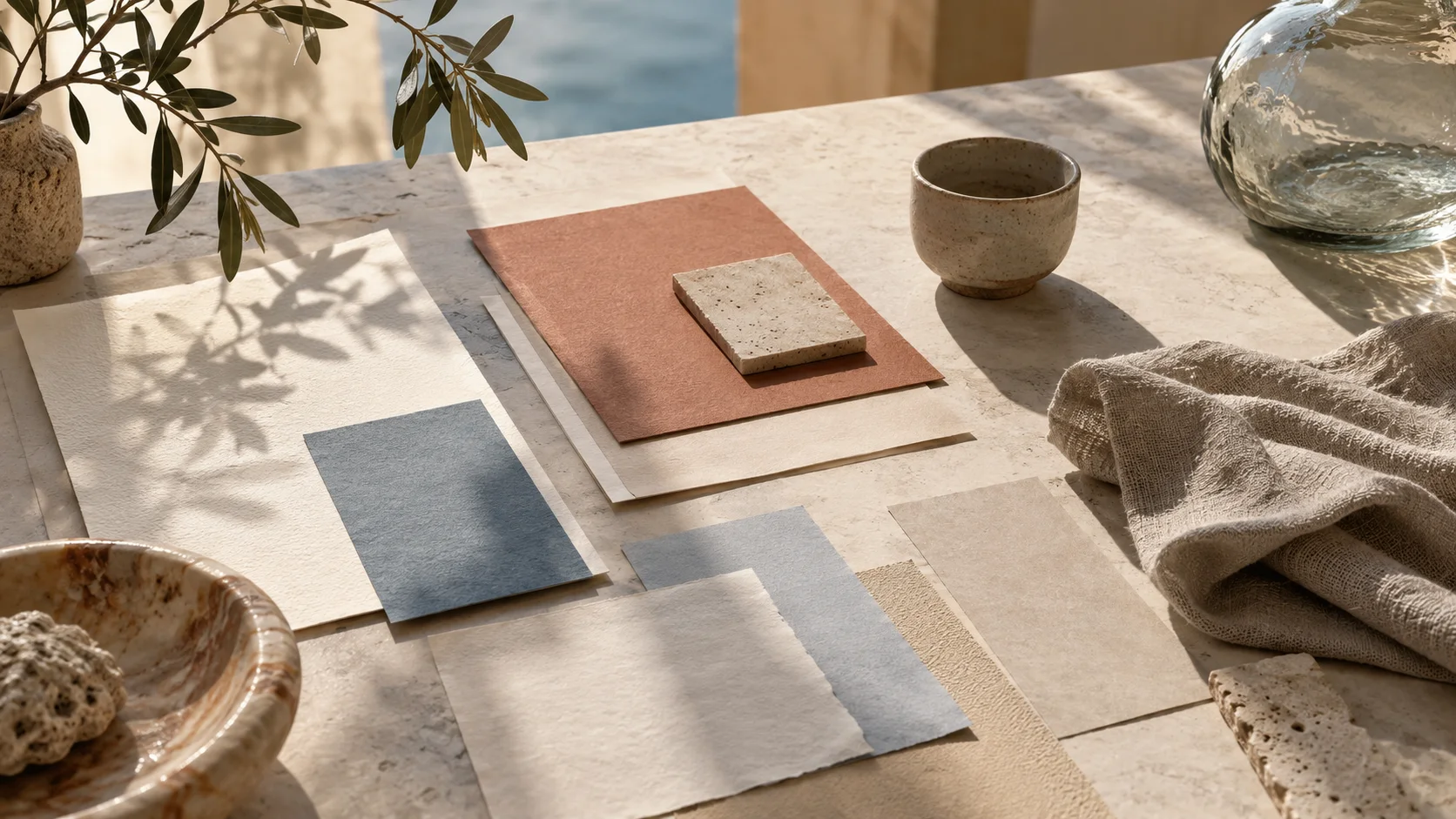
The subject changes, but the job stays consistent: collect evidence, define a point of view, make the direction reviewable, and carry it into production.
DesignersDefine a direction before the first layoutCompare materials, image treatments and color references. Keep a short rationale beside each choice so the direction survives the handoff.
Creative directorsMake the treatment easy to discussSequence frames, compare references and explain the qualities worth carrying into the work. Use presentation for a focused walkthrough.
AgenciesKeep projects and people in contextNavigate client work through linked boards. Keep deliverables, task lists and review questions close to their visual references.
FoundersConnect evidence to the launch planBring audience observations, positioning notes and campaign assets into one board. Separate the idea, the evidence and the next action.
A static collage captures one moment. A live moodboard keeps references, explanation, tasks, review, and revision in the same workspace, so creative direction can evolve without losing the reasoning behind it.
Distinct layouts for visual direction, writing, research and project work.
Per file. Keep source material beside its references and notes.
Create, Search, AI, Board and Menu on a narrow screen.
Undo and redo durable canvas edits, including an applied AI plan.
Describe the structure or text you need, or work with a supported selection. Board AI proposes steps before it changes the canvas. You remain the editor.
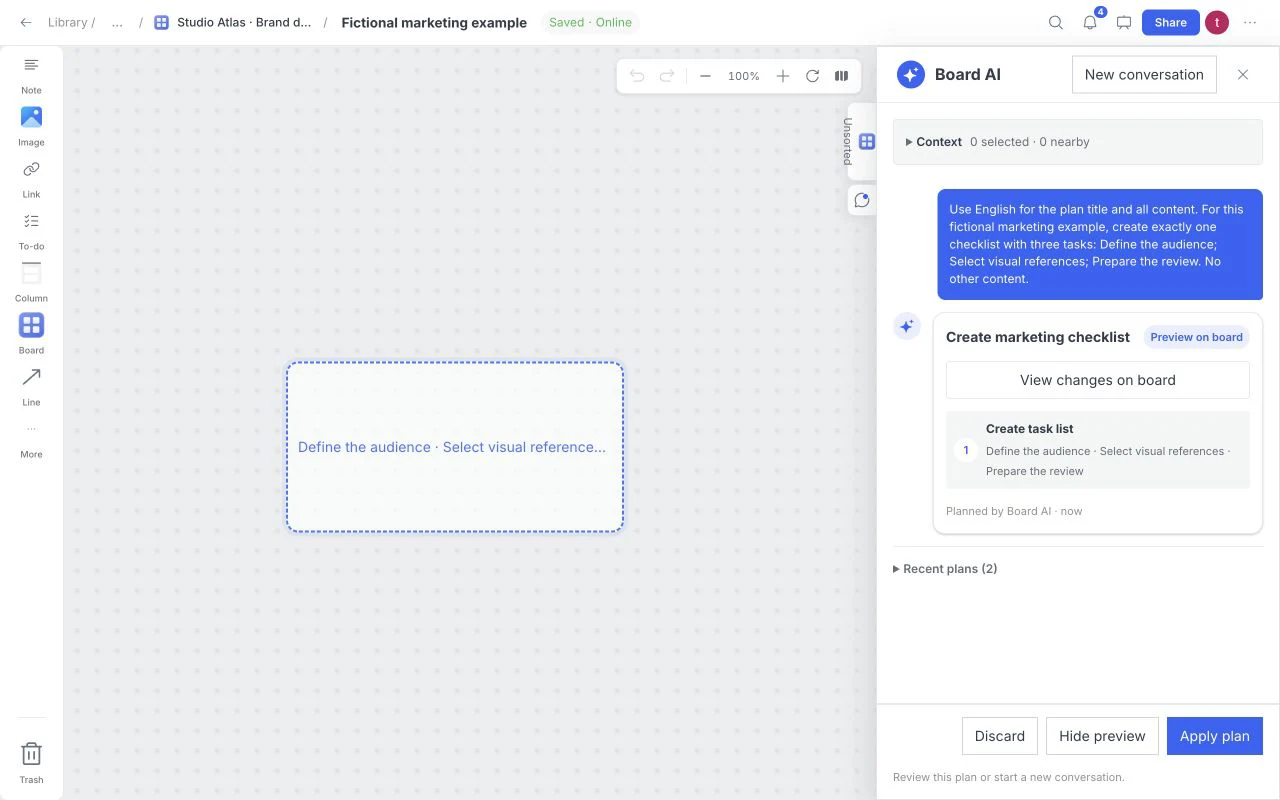
For example: “Create a launch checklist with audience, assets and review steps.” Add constraints so the plan has a clear job.
Review the text, steps and placement. AI can be wrong or unavailable; generating a proposal does not silently edit your canvas.
Choose Apply after review. The resulting canvas changes can be undone and redone through the board controls.
Clear answers about plans, templates, sharing, and account access.
Board AI proposes supported changes to board structure, text or a selected set of content. Review the plan before Apply; applied canvas changes can be undone. It does not promise to generate photographs or video. Provider availability and request limits apply.
Add images and project files up to 32 MiB each. File cards show a format label and filename; supported media can be previewed. Wait for Saved before sharing a new upload or exporting its original bytes.
A board helps organize references; it does not give you a license to someone else’s images, fonts or files. Use your own or properly licensed material, and preserve source and license notes when planning a commercial project.
Include only material that helps define the direction: a concise theme, a focused set of images, relevant color and type references, short rationale notes, and the constraints a reviewer needs to understand.
There is no fixed number. Start broad, then edit toward the smallest set that communicates the pattern clearly. A focused board of twelve strong references is often more useful than fifty unexplained images.
Yes. Moodboard currently offers free access for creating a visual board. Paid subscriptions are not on sale, and planned packages are labeled separately on the pricing page.
Yes. A working moodboard can combine images with notes, links, files, tasks, sketches, color choices, and decision context rather than limiting the project to pictures alone.
Your working boards require authorized access. Public marketing and guide pages can appear in search, while account, board, share and invitation pages carry noindex directives. Sharing a link is a separate access decision.
Collect the spark, explain the pattern, and share a direction people can act on.