
Moodboard templates for creative projects
Start with a clear moodboard structure, then make every section, reference, and decision your own. These templates organize the questions a project needs to answer without locking the canvas into a presentation deck.
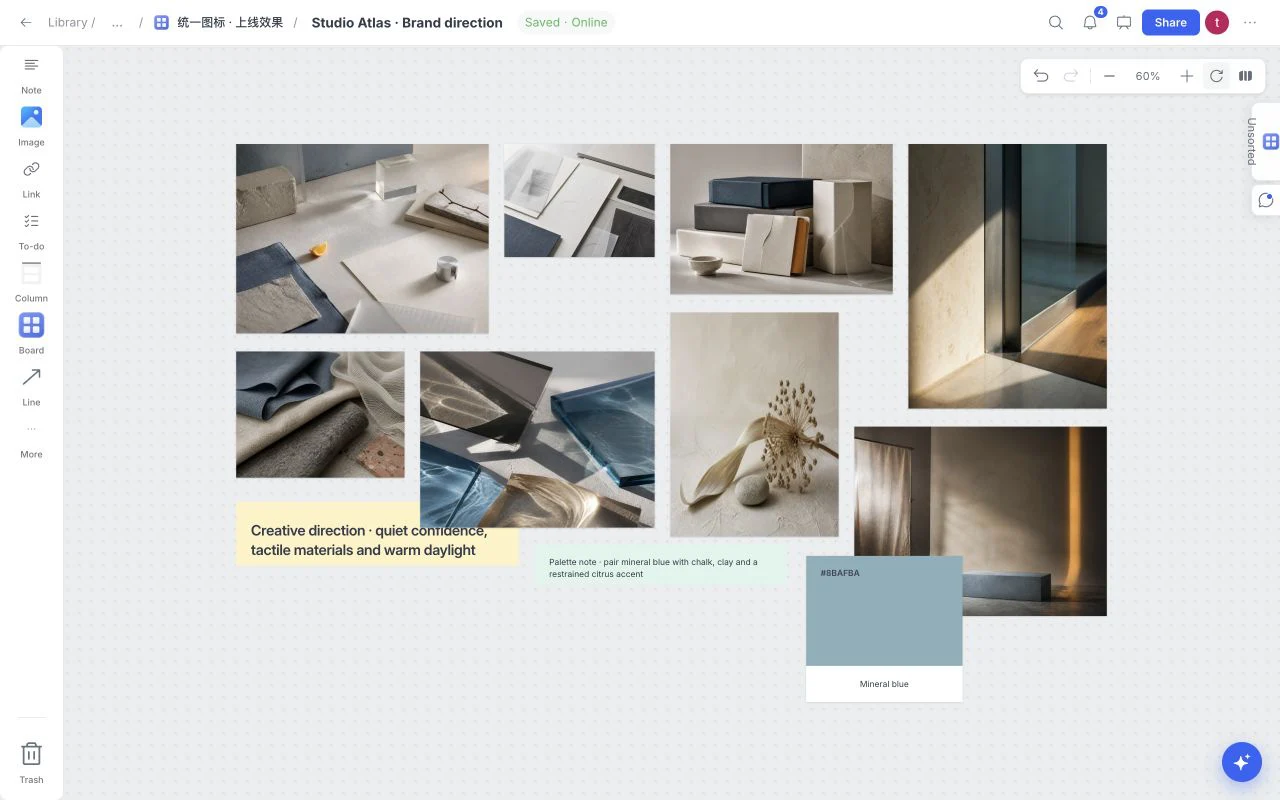 Visual direction
Graphic Design Moodboard
Compare visual references and a working color palette on an open canvas before committing to a brand, website or campaign direction.
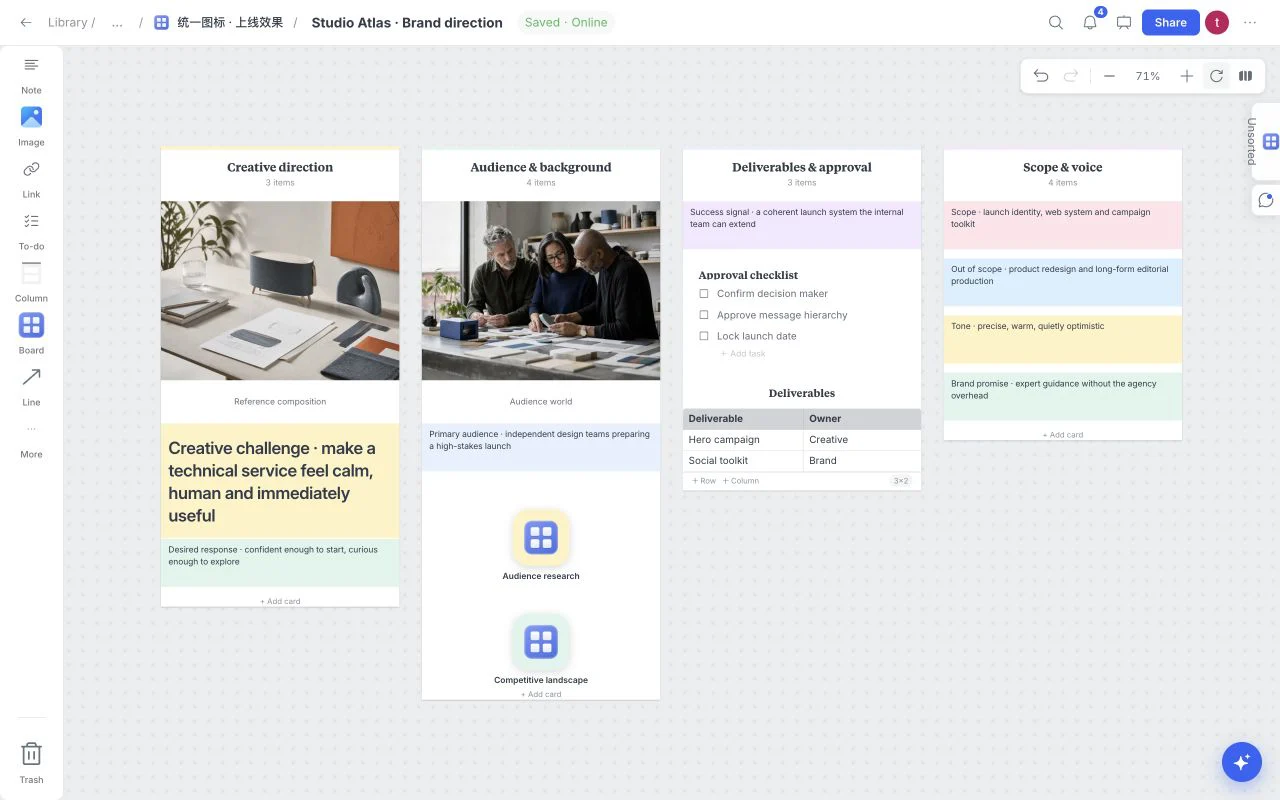 Creative strategy
Creative Brief
Put the background, scope and visual references beside the questions a designer or collaborator needs answered before work begins.
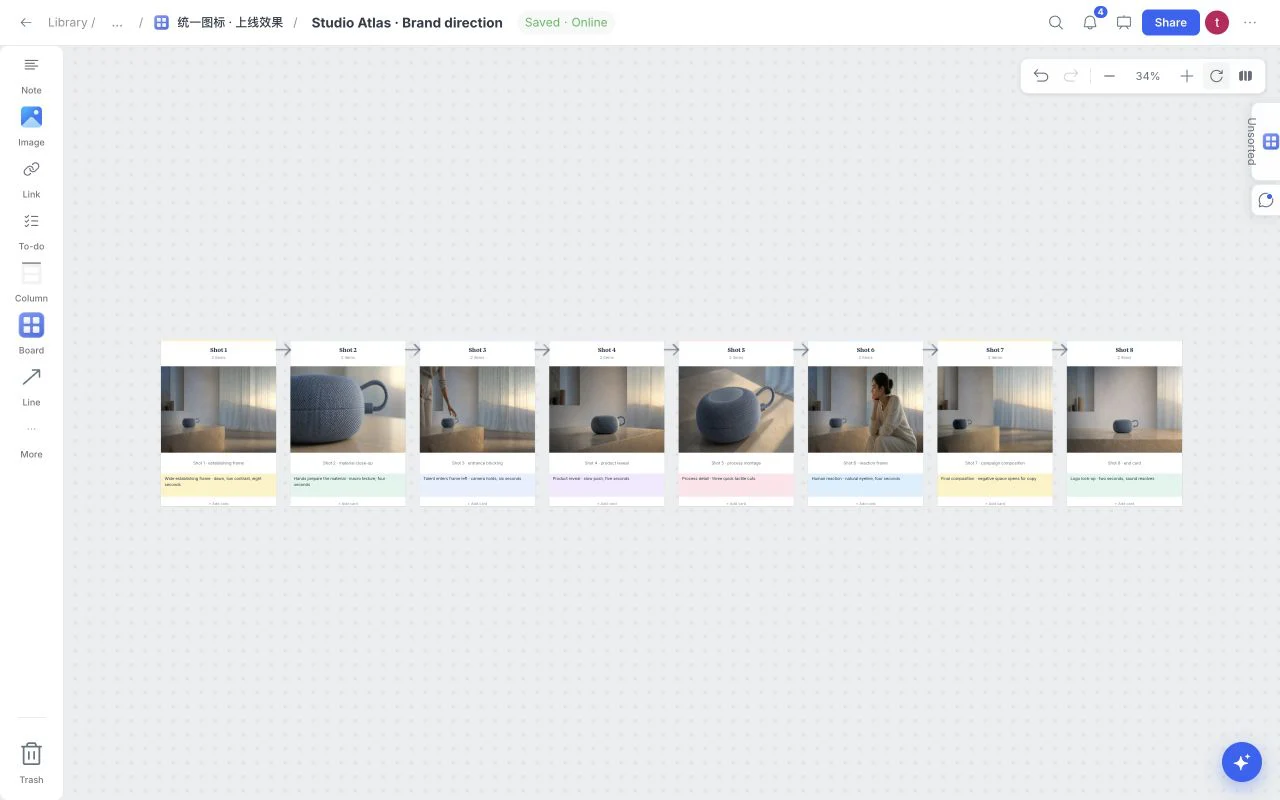 Film and video
Film Storyboard
Plan a sequence of eight connected frames. Add references and shot notes to make framing, order and pacing understandable before production.
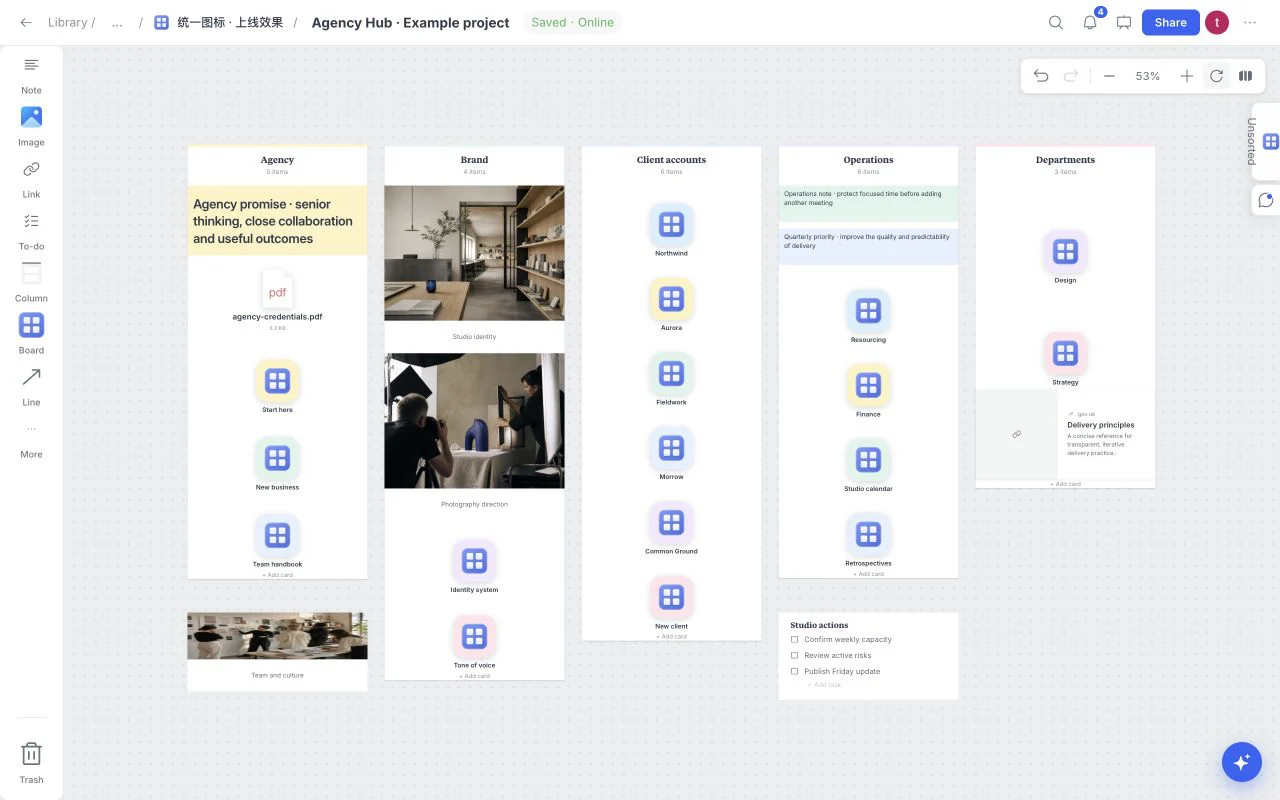 Studio organization
Agency Hub
Organize a studio around linked team and client boards. Keep the hub concise while detailed creative work lives in its own child board.
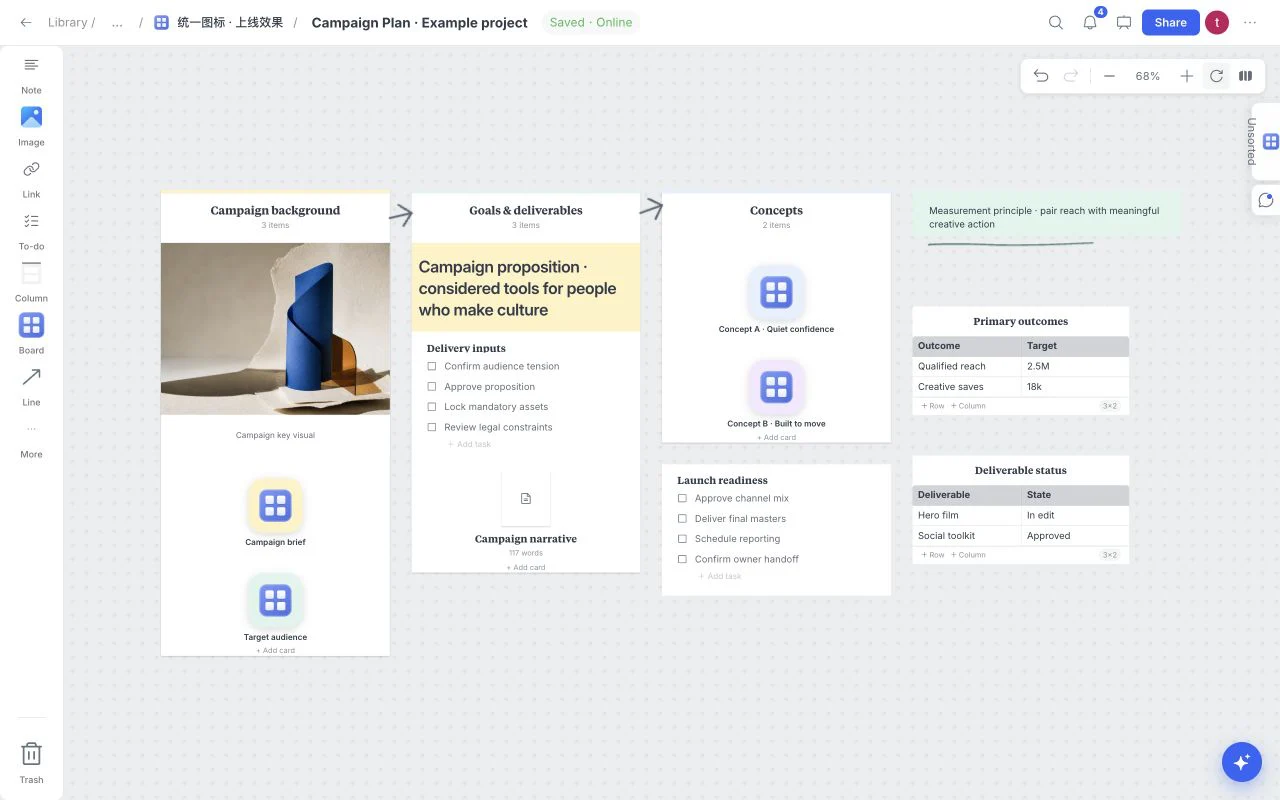 Campaign planning
Campaign Plan
Connect the campaign objective, creative concepts and deliverables. Use the metrics table to write the measures that will define a useful outcome.
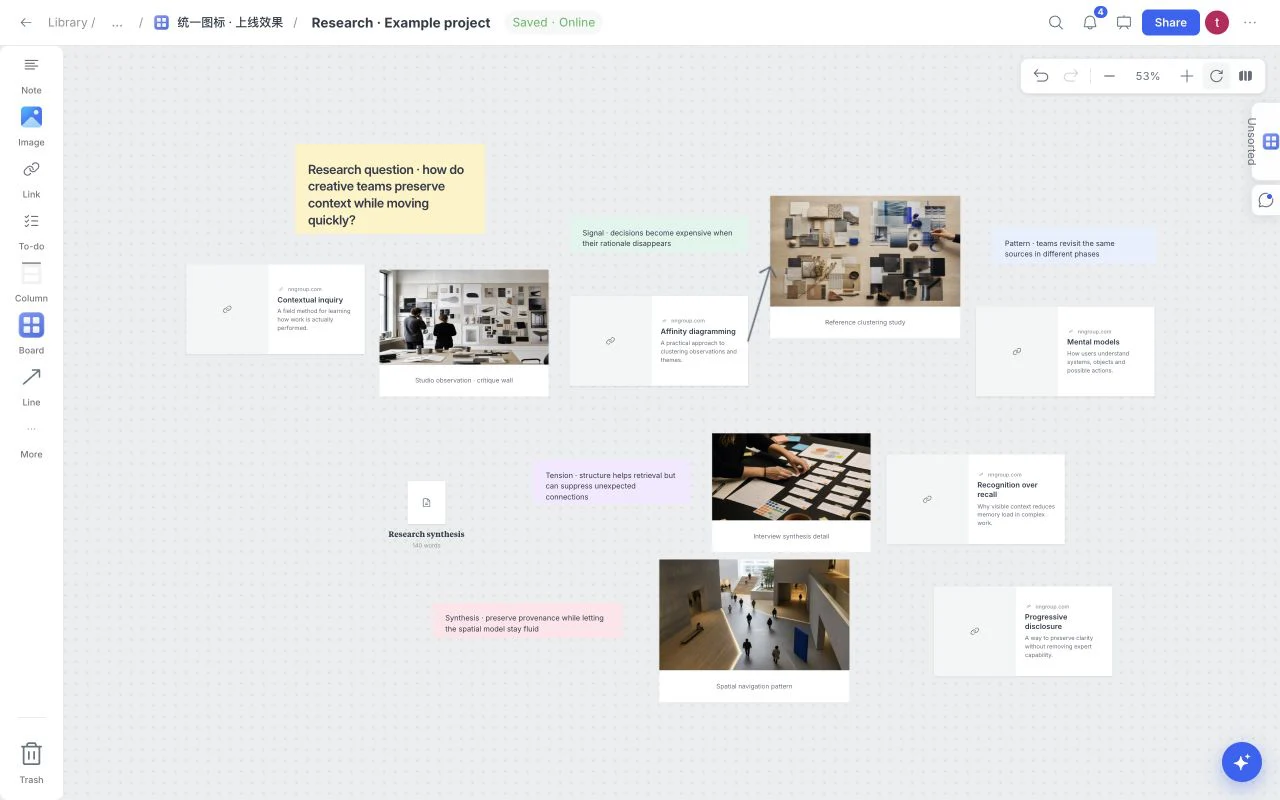 Research synthesis
Research
Map sources, observations and a synthesis document. Preserve the source context while looking for patterns and unanswered questions.
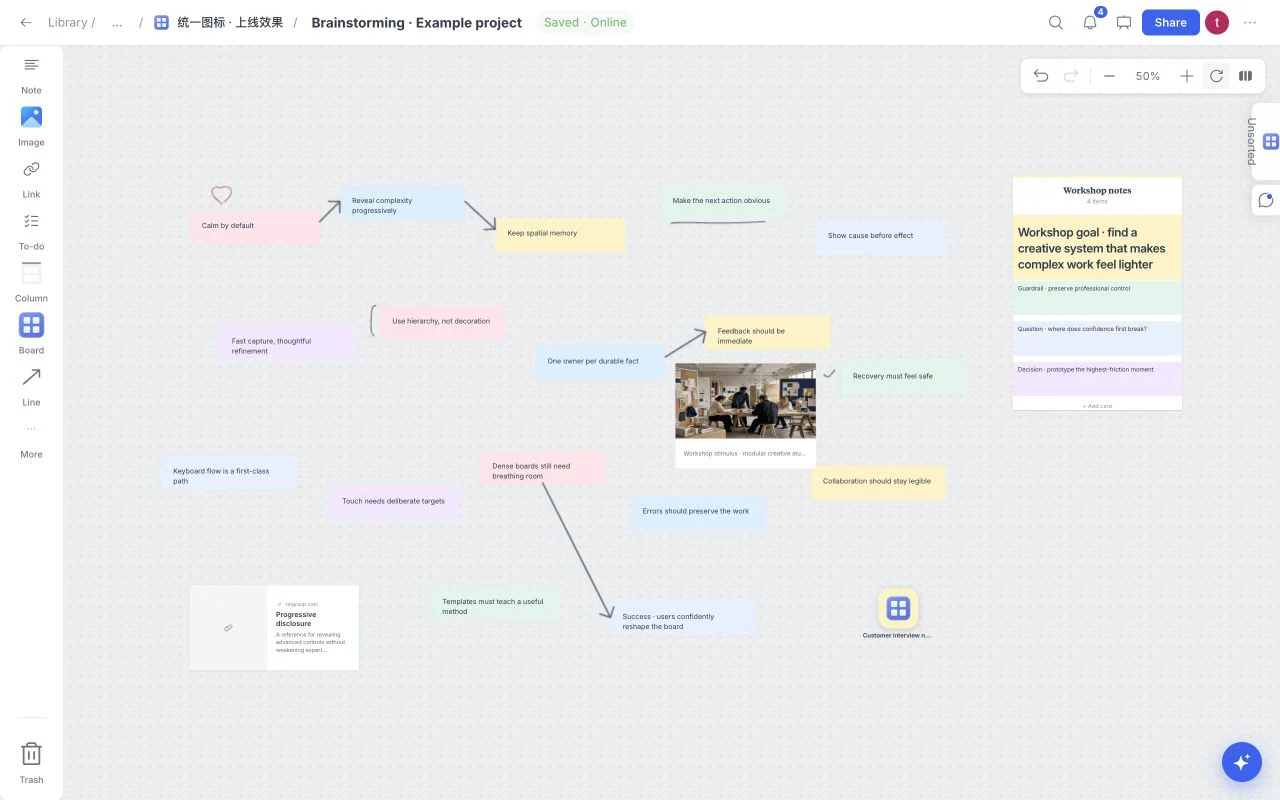 Ideas and workshops
Brainstorming
Start with a free-form field for ideas, notes and references. Connect useful relationships, then turn the strongest cluster into a direction to explore.
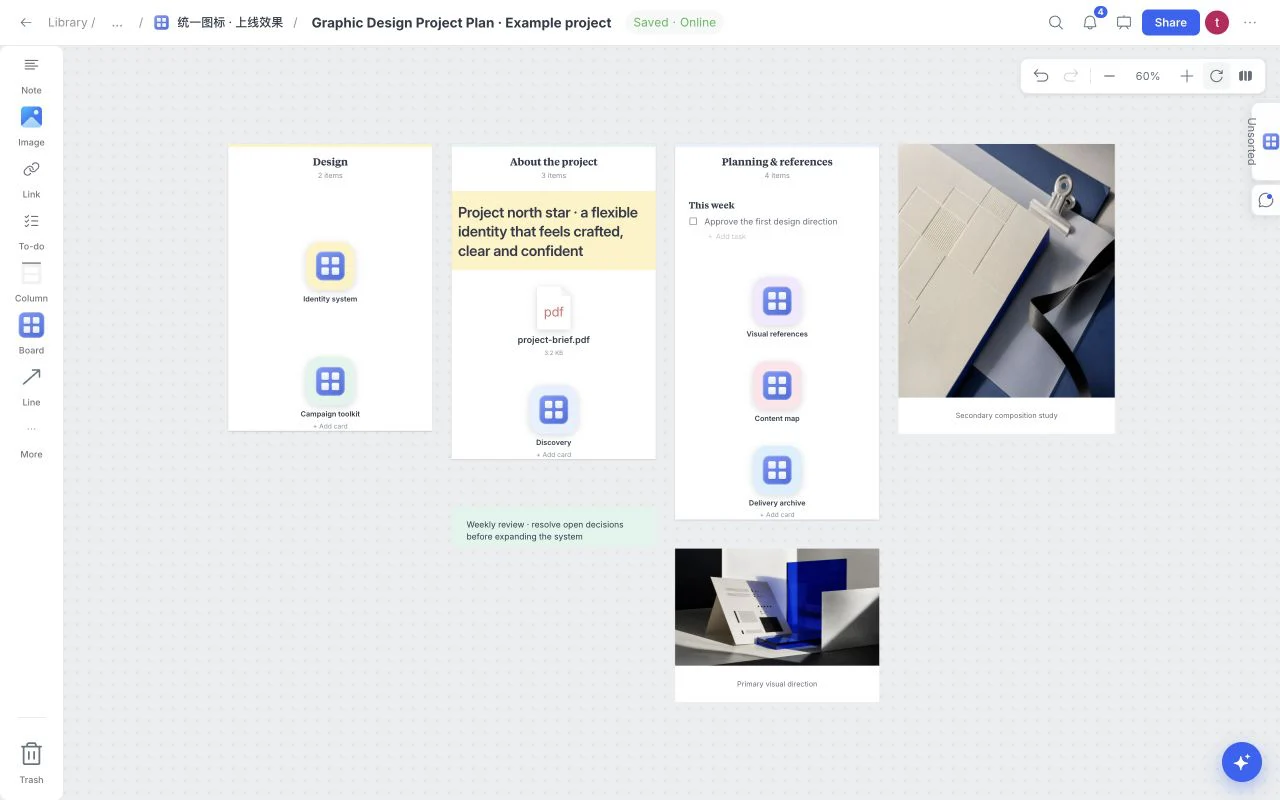 Project planning
Graphic Design Project Plan
Build a project hub with linked design work, background and inspiration. Keep the current brief alongside the path to the detailed working boards.
 Tasks and delivery
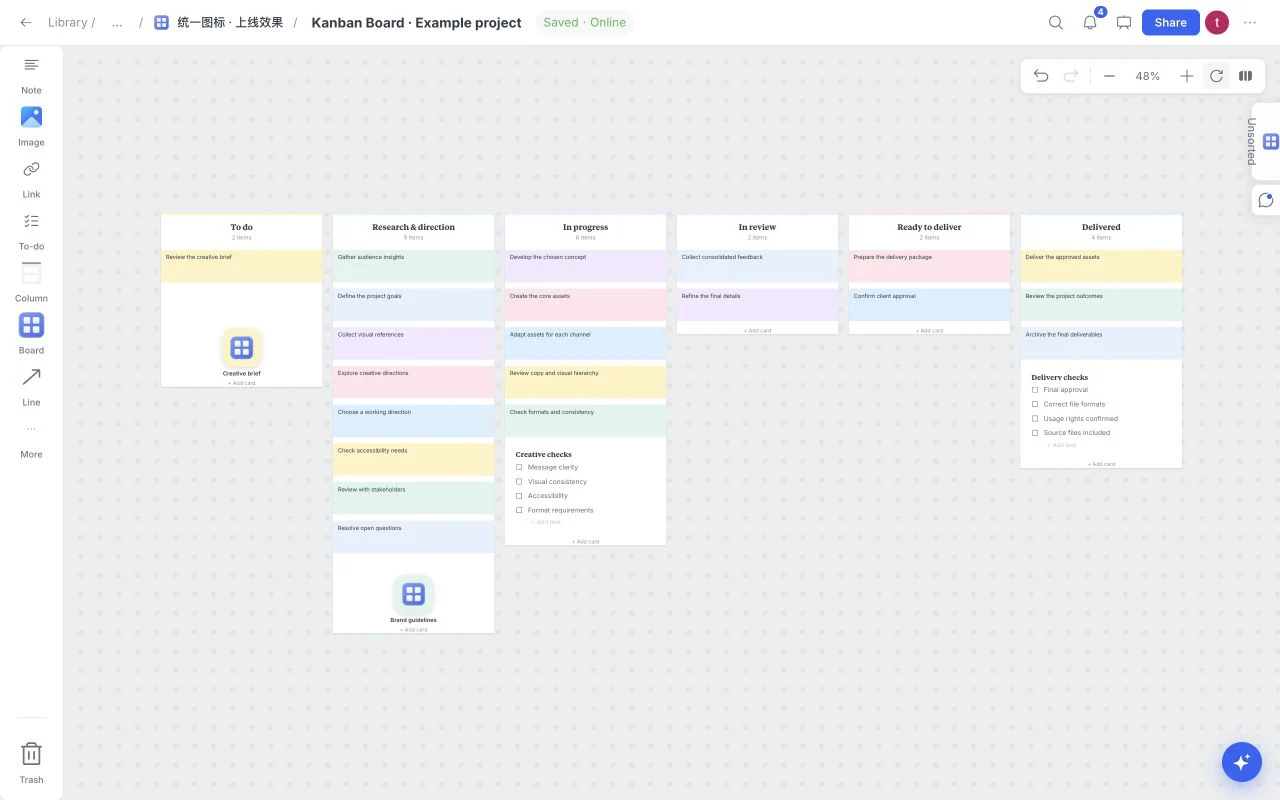
Kanban Board
Use six workflow columns to make work visible. Move cards between stages, add task checklists and keep references beside the work they support.
 Learning and notes
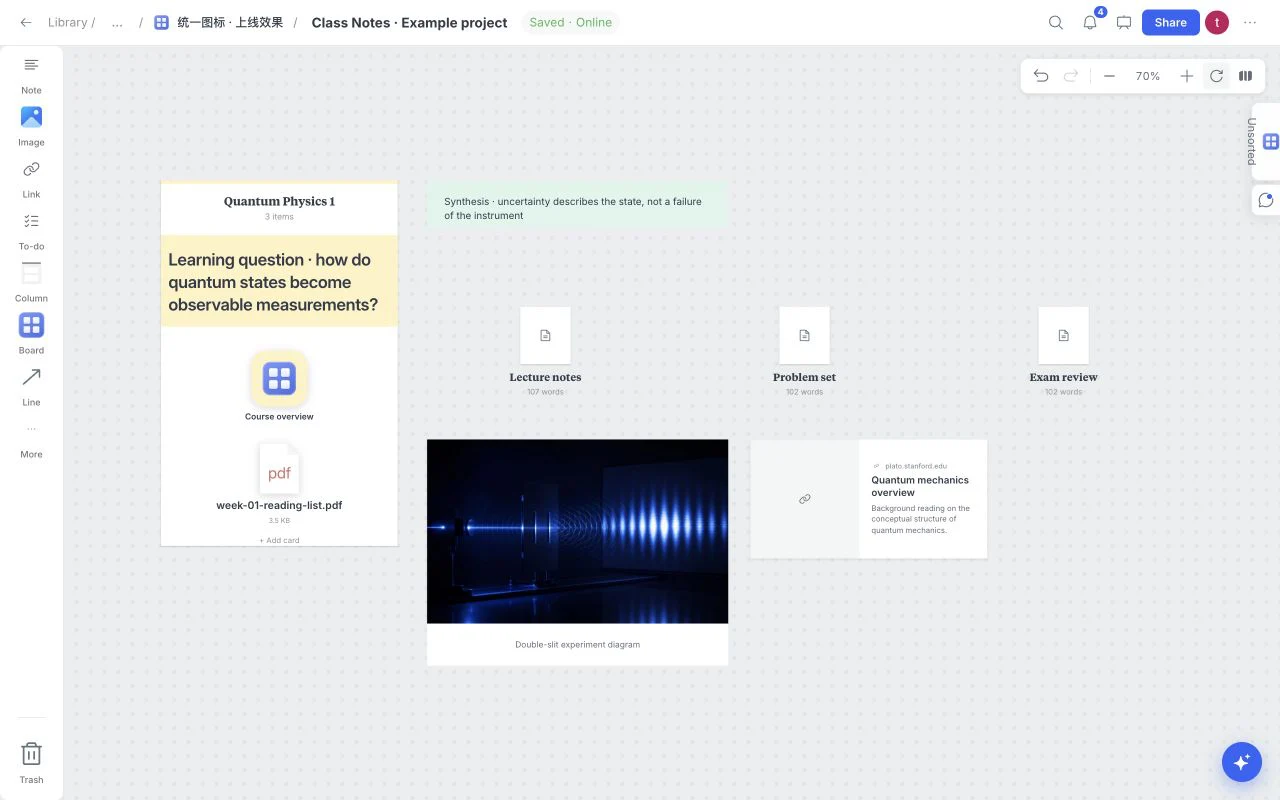
Class Notes
Keep long-form class notes, reading material and references in a visual study workspace you can navigate and extend throughout a course.
 Story development
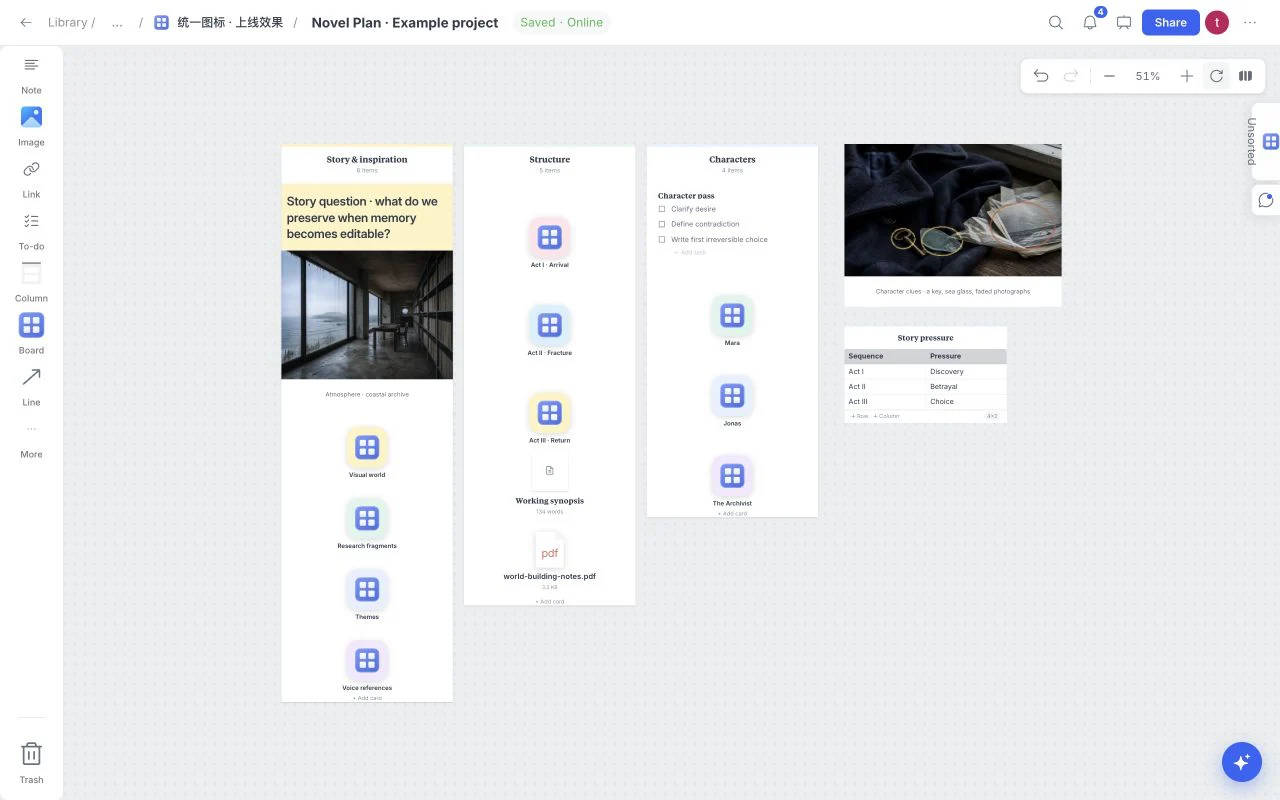
Novel Plan
Arrange a navigable story hub for inspiration, structure and characters. Develop longer notes in documents while the board keeps the story relationships visible.
 Fashion and styling
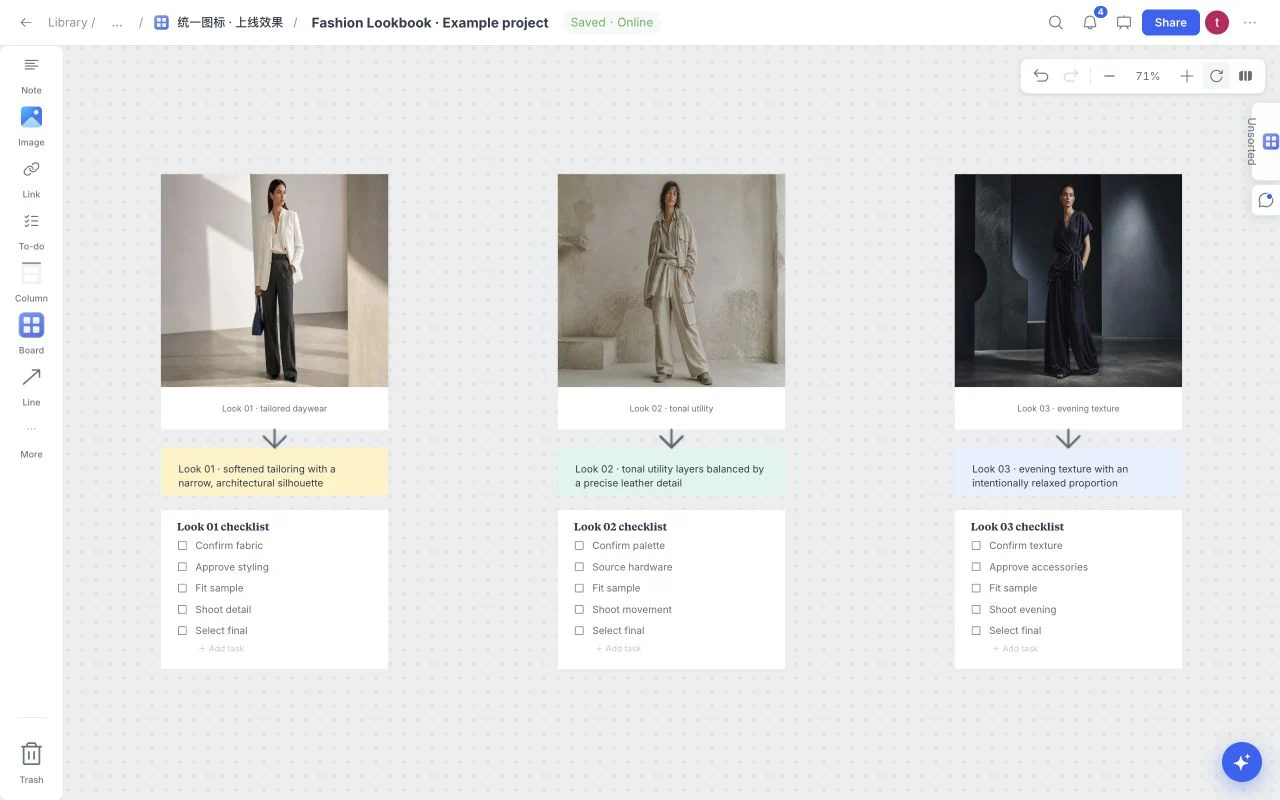
Fashion Lookbook
Compare three looks using a repeated image, note and task structure. Make silhouettes, materials and preparation needs easy to review side by side.
How to choose a moodboard template
Choose the template that matches the decision you need to make, not simply the industry you work in. Use a brand moodboard when the question is visual identity, a campaign brief when channel and message matter, a storyboard when time and sequence matter, and a client review board when clear feedback is the main outcome.
Every starter is editable. Remove sections that do not help, rename the rest in your own language, and add images, links, notes, files, colors, tasks, and sketches wherever the reasoning needs more context.